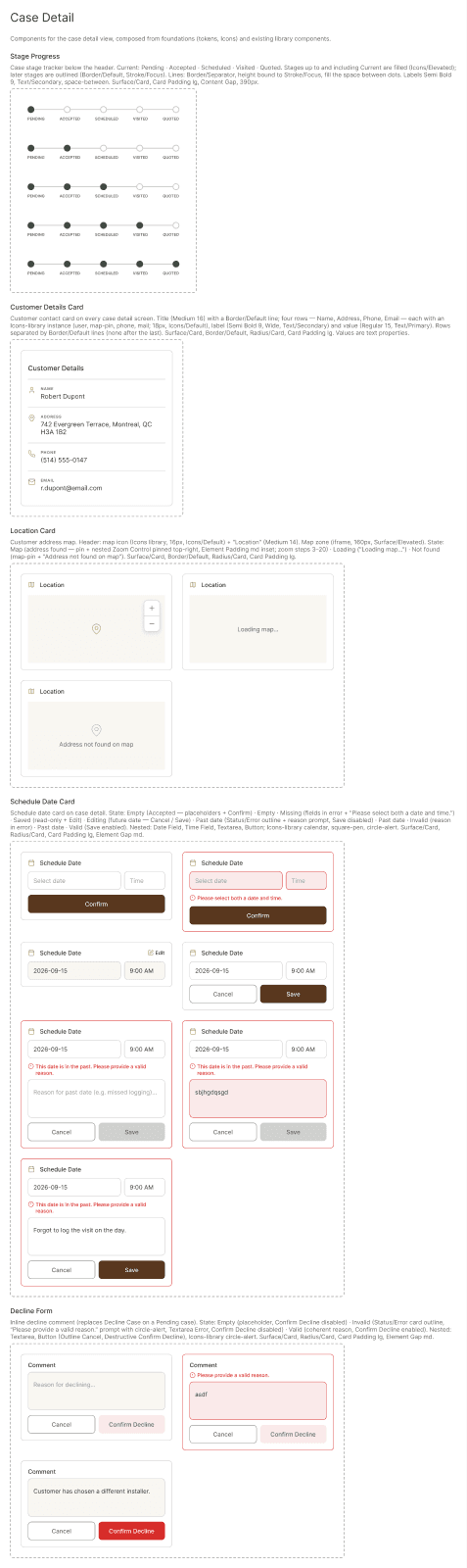
Receive a request
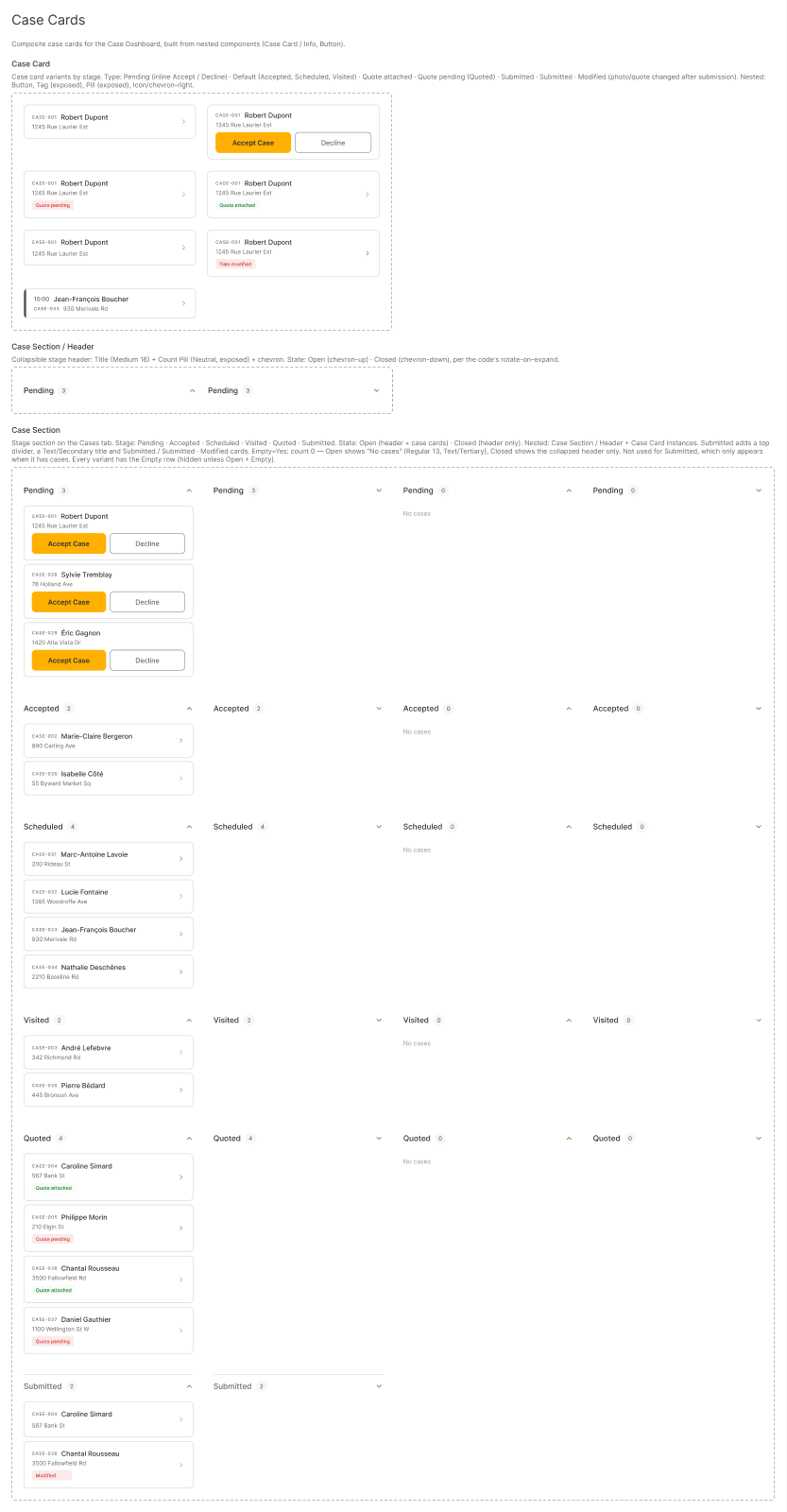
A new survey case lands in your Pending list.


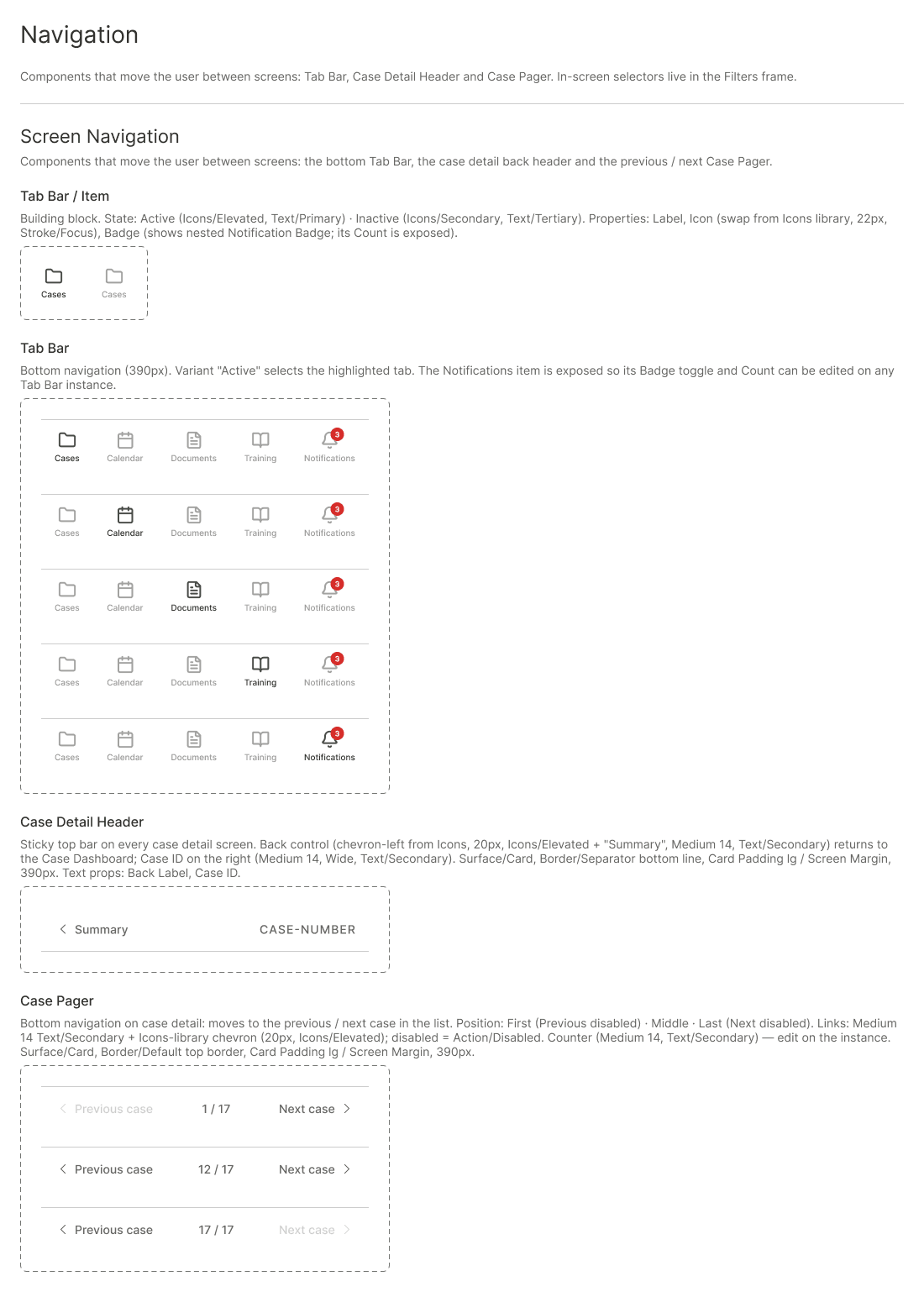
The mobile portal for dcbel SHIP installers: manage survey cases, visits, documents and training from your phone.
Select your ship, then move through the portal with the bottom navigation bar: Cases, Calendar, Messages, Resources and Notifications.
This screen is shown as a mockup: it is an interactive part of the SHIP mobile app, not a CMS block.
From request to quote
A new survey case lands in your Pending list.
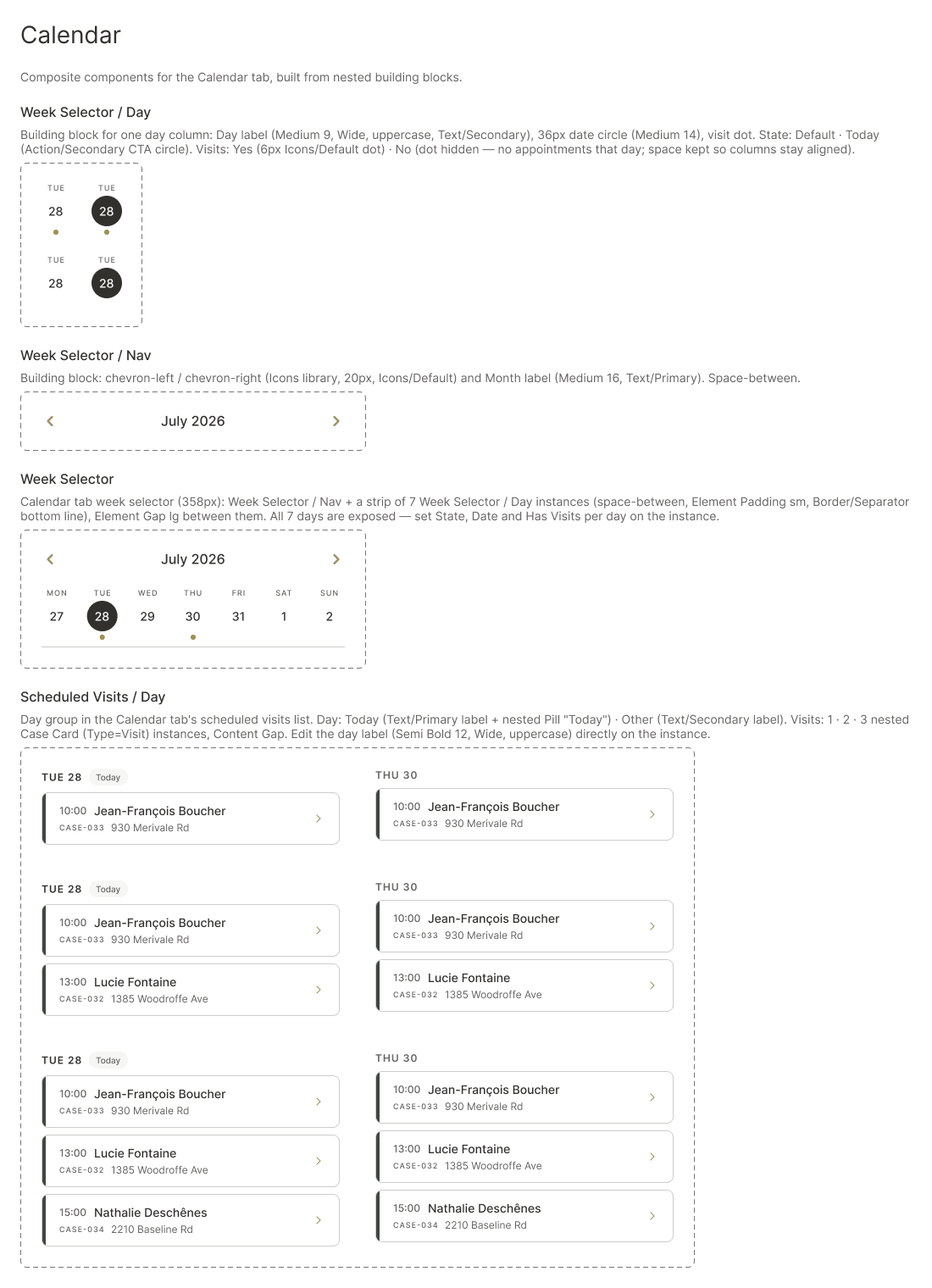
Accept the case and book the site visit in your calendar.
Add photos and notes once the visit is done.
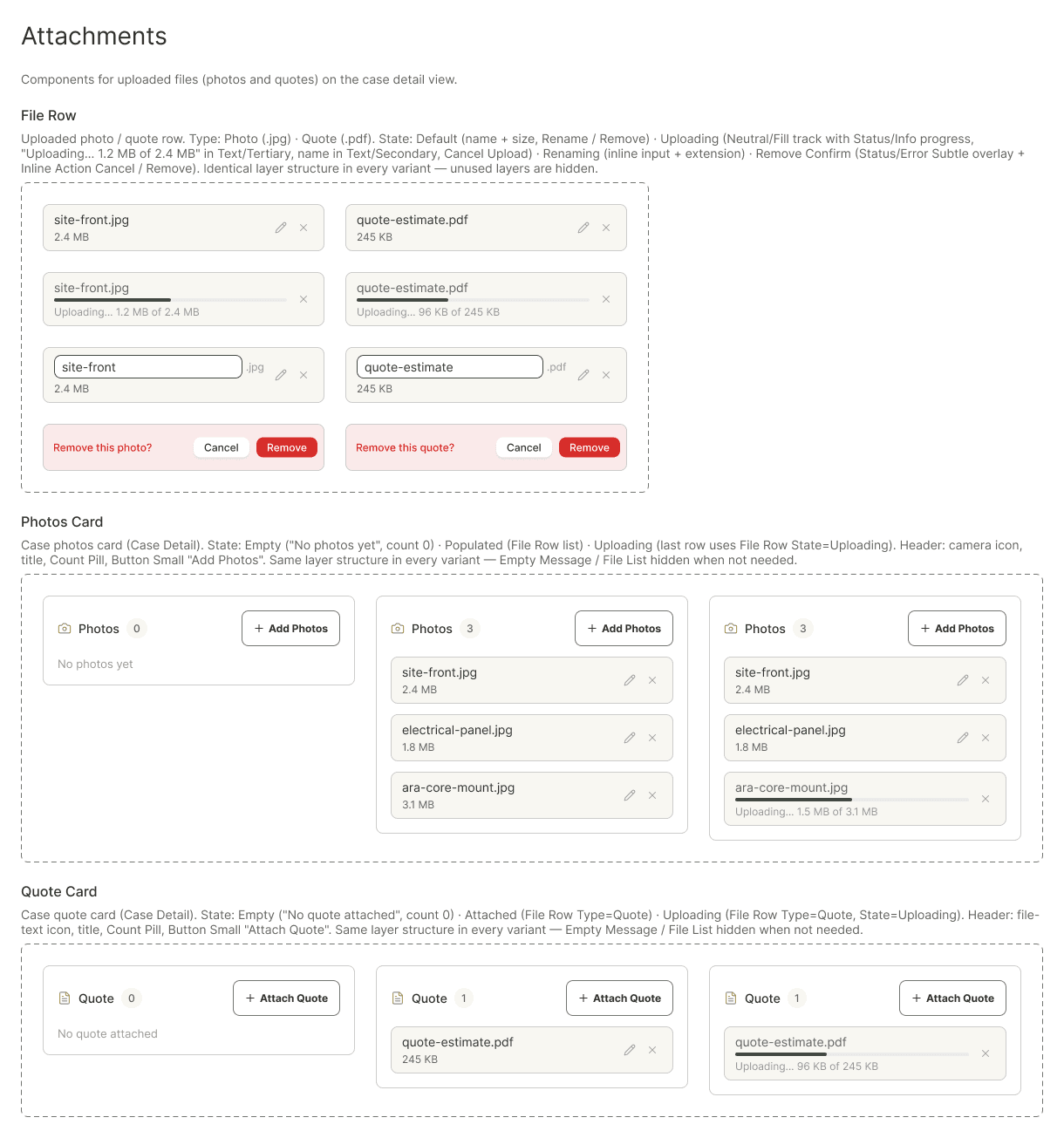
Attach the quote and complete the case.